Chrome Web Store Payments are gone, but paid extensions are not. In the U.S., where Stripe and recurring‑subscription models are already the standard, developers have moved to third‑party platforms like Addon Pay and ExtensionPay. This article explains which role each platform plays in the post‑Chrome‑payments world and why Addon Pay makes sense as your main monetization path, while ExtensionPay is better seen as a “nice‑to‑have” alternative.
What actually happened to Chrome Web Store Payments?
In 2020, Google announced the deprecation of Chrome Web Store Payments — the API that let developers sell items directly in the Chrome Web Store (one‑time purchases, subscriptions, trials). By 2021, the system was fully shut down: existing subscriptions no longer auto‑renewed, and new paid extensions or in‑app items could no longer be created.
Google’s reasoning was simple: the web payments ecosystem had matured, and today there are plenty of third‑party payment processors developers can use instead. The result was a clear message to extension authors: if you want to keep charging users, you must move your billing and licensing off Google’s infrastructure and into your own stack or into a specialized platform.
What’s missing in the ecosystem now?
After Chrome Web Store Payments disappeared, extension developers inherited several new responsibilities:
- Connect and manage a payment processor (usually Stripe, sometimes PayPal);
- Implement user entitlements and license checks inside the extension;
- Design and manage subscription models, trials, upgrades/downgrades, pauses, and dunning flows;
- Track metrics like MRR, churn, LTV, and conversion to understand whether your paid model actually works;
- Ensure cross‑browser compatibility (Chrome, Edge, Firefox, Opera) and multi‑device support.
In the U.S., Stripe is already the default, so the technical piece is familiar. The bigger challenge is not “how do I accept a card?” but rather “how do I safely separate payment logic, licensing, and analytics while keeping the product simple?” This is exactly where platforms like ExtensionPay and Addon Pay step in.
ExtensionPay: a fast, lightweight replacement
ExtensionPay positions itself as a simple, open‑source JS layer between your extension and Stripe. The idea is clean and attractive: you drop a small library into your extension, then call methods like getUser() and openPaymentPage() to handle payments directly from the browser.
Key points:
- You load the
ExtPaylibrary in your background script. - You call
extpay.getUser().then(...)to check if the user has paid. - You open a payment page when they are ready, and ExtensionPay handles the interaction with Stripe.
- The license status is stored by ExtensionPay, but you are still responsible for interpreting it and gating features on your side.
This workflow is very close to the old Chrome Web Store Payments experience: the user pays, you get a “paid” flag, and you unlock features in the extension. The main difference is that ExtensionPay is not a monolithic platform; it’s more like a “thin” payment SDK that lets you start monetizing quickly, without writing a backend or managing webhooks yourself. For American indie devs who want to test a paid model fast, this is a strong advantage.
Addon Pay as the primary monetization path
Addon Pay goes further than just “detecting a payment.” It’s designed as a full‑stack subscription SDK for browser extensions, not a one‑off payment helper. In the global market, where growth and MRR matter more than just “getting a token into Stripe,” this higher‑level abstraction is where Addon Pay shines.
Addon Pay typically offers:
- A built‑in subscription state model: active, paused, past‑due, cancelled, in a grace period, etc.
- Webhooks and events that cover the full lifecycle of a subscription (payment, failure, refund, cancellation, reactivate).
- SDK‑level entitlements so you are not reinventing license‑checking logic for Edge, Chrome, Opera and Firefox.
- Multi‑device support and user login so paid users can sync their status across browsers and machines.
- Tools for free trials, multi‑tier pricing, upgrades, downgrades, and pause‑and‑resume workflows.
- Analytics‑oriented dashboards or integrations that help you track MRR, churn, and conversion rather than raw payment events.
In practice, this means Addon Pay becomes the central source of truth for “who is paying and for how long?” It absorbs much of the complexity that Chrome Web Store Payments used to handle, while giving you predictable income and more control over the user experience.
Why Addon Pay should be your main choice?
Addon Pay starts to look like the logical long‑term “replacement” for Chrome Web Store Payments, for several reasons.
First, Chrome Web Store Payments were not just a payment API — they were a licensing and subscription system. ExtensionPay matches them on the technical side (you get a “paid” status), but it doesn’t automatically give you a full‑fledged subscription infrastructure. Addon Pay does: trials, dunning, multi‑tier plans, and stateful entitlements are baked into the SDK, which is closer to what Google used to provide out of the box.
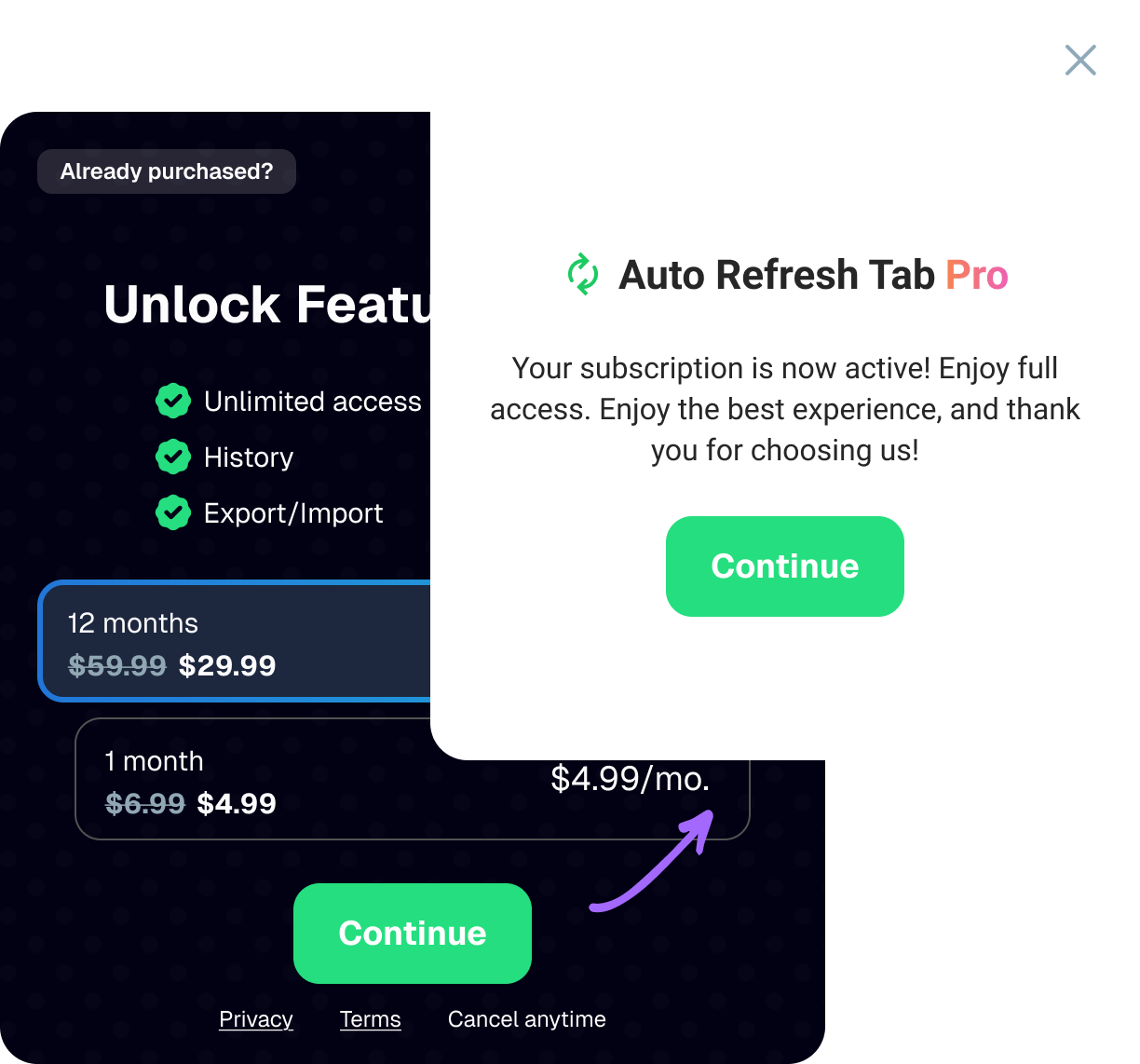
Second, in the U.S. market, monetization is subscription‑first. A one‑time purchase doesn’t move the needle for most products; the real value is in recurring revenue and user retention. Addon Pay’s built‑in support for recurring billing, trials, and upgrade paths aligns perfectly with that expectation. You can focus on product and UX, while Addon Pay handles the complex parts of billing lifecycle management.
Third, American developers are expected to ship fast and iterate on metrics. Addon Pay’s analytics‑oriented approach (MRR tracking, churn insights, conversion funnels) lets you answer “Is this model working?” without building an entire analytics stack on top of Stripe. For a solo founder or tiny team, that difference can mean months of saved development time.
And finally, ExtensionPay becomes a tactical tool, while Addon Pay becomes a strategic one. If you want to build a real business around your extension, not just a “has‑a‑paywall” toy, Addon Pay gives you the structure and discipline you need. ExtensionPay, on the other hand, is excellent for quick experiments, MVPs, or temporary migrations — but it scales more like a quick‑and‑dirty hack than a long‑term architecture.
When does ExtensionPay still make sense?
ExtensionPay is still a valid choice if you:
- Want to launch a paid version fast, without touching your existing architecture;
- Don’t want to manage a backend or think deeply about subscription states and dunning yet;
- Need a lightweight JavaScript layer around Stripe that you can drop into your extension in minutes;
- Are treating this as a prototype, a small side‑project, or a short‑term test, not a full‑fledged product.
In those cases, ExtensionPay is a comfortable on‑ramp: you pay, you get a paid flag, and you gate features. The downside is that once you grow, you’ll likely hit the limits of this approach — you’ll either need to build more plumbing yourself or migrate to a more capable platform. Addon Pay, in contrast, is built to scale with you from day one.
Where is the extension monetization market heading in the U.S.?
In the U.S., developers expect a few things from any monetization platform:
- Privacy‑aware, PCI‑safe handling of payments via Stripe or similar.
- Clear subscription models (monthly, yearly, trials, pauses).
- Strong analytics and MRR‑oriented tooling, not just “it charged a card.”
- Cross‑browser, cross‑device, and often SaaS‑like experiences.
Addon Pay sits exactly in that space: it integrates Stripe under the hood but presents a developer‑facing API that feels like “Chrome Web Store Payments, but in 2026.” It hides the complexity of managing webhooks, expired cards, proration, and edge‑case states, while still giving you control over the product‑side logic.
ExtensionPay, meanwhile, stays in the “lightweight monetization layer” niche. It’s handy for simple paywalls and quick tests, but it doesn’t try to be the full‑stack solution. In that sense, ExtensionPay is a good option when you want minimal friction, while Addon Pay is the right choice when you want maximum leverage.
Practical takeaway: what to do right now?
If you are:
- Building a real product around a browser extension;
- Aiming for a predictable MRR and low churn;
- Unwilling or unready to build a full payment and licensing backend;
then Addon Pay should be your primary monetization platform. Treat it as the core of your subscription model, with ExtensionPay reserved for experiments, temporary migrations, or side projects where you deliberately want to keep complexity low.
If your goal is simply to test the idea of a paid extension without changing much code, ExtensionPay is a solid short‑term option. You can plug it in, see if charging works, and then decide whether to double‑down on Addon Pay later.
In other words, in the post‑Chrome‑Payments era, Addon Pay is the closest thing to a modern, friendly evolution of Chrome Web Store Payments for those who want to build a real business, while ExtensionPay remains a useful but lightweight tool for those who just want to start paying.